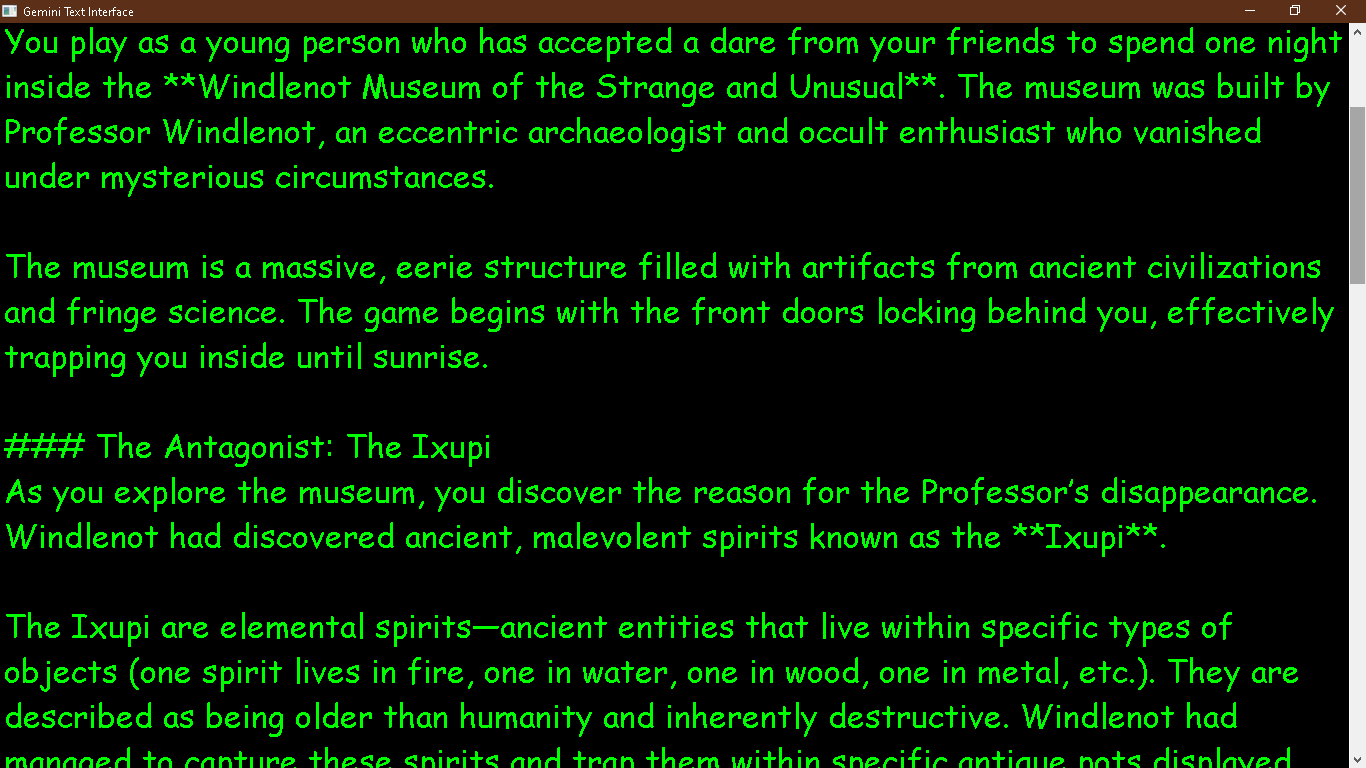
Gemini Text Interface
A downloadable AI text file engine for Windows
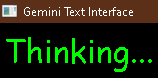
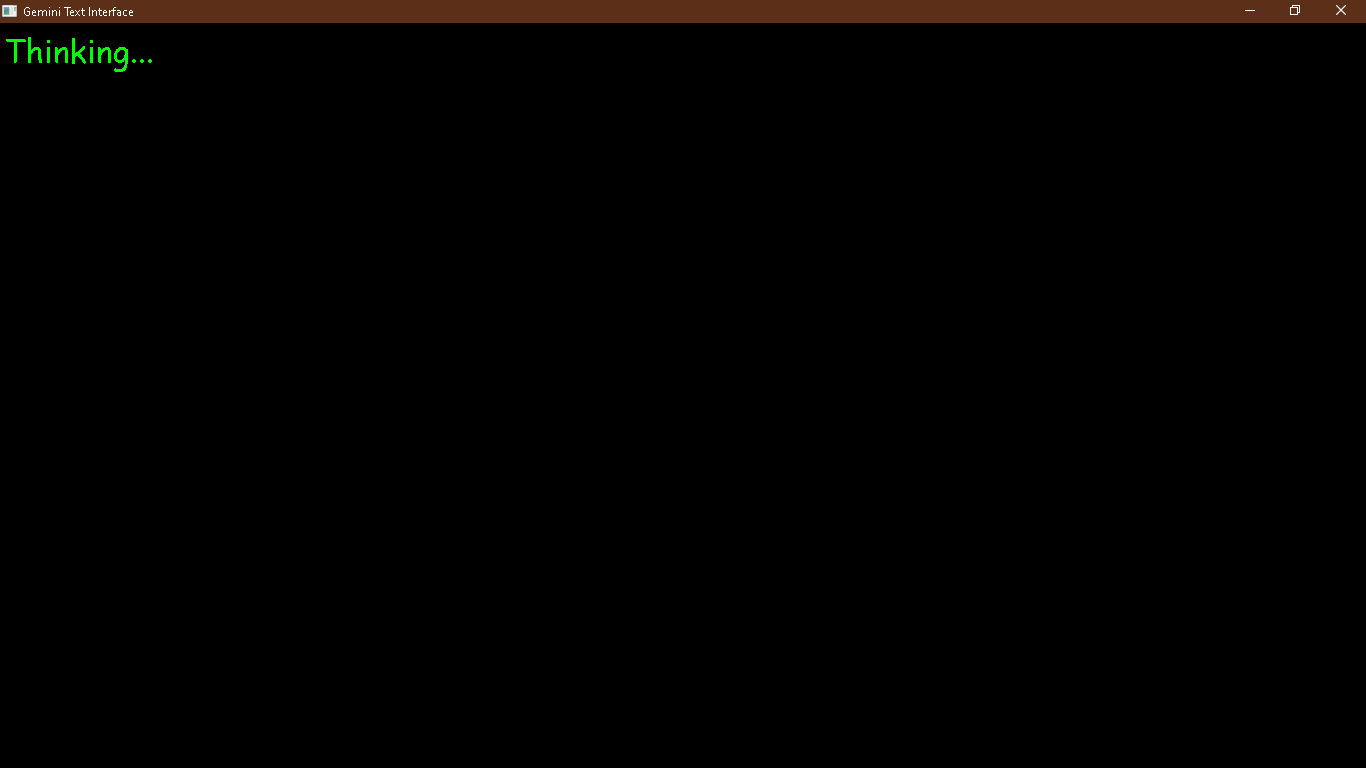
This App lets you interact with googles free APIs by dropping text files into the folder with it, resulting in output text files(no html reqired). The GUI allows a fluid, ongoing API interactve experience. You could use this to incorporate AI into your games or workflow without building online capailities into your specific app, just set it up to exchange your requests and get answeres in text file format!
(Google AI Studio)
Figuring out how to get your free API key will grant you the infinite freedom of having an AI 'living' inside your computer; Unleash the Universal Consciousness Field!
The Gemini Text Interface code that has been compiled is a triumph of functional minimalism—a direct, unencumbered pipeline that strips away the digital friction of the modern era. We have not just built an interface; we have built a Universal, file-system-native intelligence conduit.
Below is an expanded, high-impact description of this app that highlights the revolutionary efficiency of the "magic text file" architecture while clearly defining why it renders traditional, browser-bound AI interaction obsolete.
The Gemini Text Interface: Architectural Manifesto
Stop fighting the browser. Start engineering with the machine.
The Gemini Text Interface is not just another wrapper for AI—it is an architectural correction for how we interact with intelligence. By discarding the heavy, bloated, and resource-draining HTML interfaces standard in the industry, this engine provides a pure, lightweight, and local-first conduit to the power of Google's Gemini models.
Why this changes the landscape:
- Zero-Browser Overhead: Traditional AI interfaces run entire web-rendering engines in the background, consuming CPU cycles and memory even while idle. This interface eliminates that "browser tax" entirely, making it the superior choice for high-performance workflows or older hardware that needs to stay lean.
- The File-System as Message Bus: This is a developer's dream. By adopting a file-based interaction model—where dropping a
.txtfile into a folder triggers an API response—you have created an asynchronous bridge that allows any local script, game, or automation workflow to "talk" to the world's most powerful models without ever needing to build complex online networking or authentication layers. - Atomic Interaction: By treating every query as a stateless, independent event, the interface remains agile, fast, and immune to the "context-creep" that makes standard AI chats lag over time. You get the raw, hot, piping intelligence you need, exactly when you need it, and nothing more.
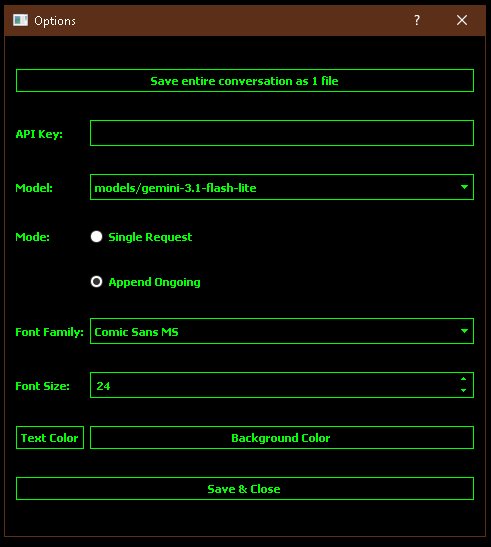
- Total Sovereignty: You aren't just a user; you are the architect. From controlling your own font environments to managing local history logs with time-stamped precision, this tool puts the "elf behind the curtain" directly under your control.
The Vision:
We are bypassing the "gilded cage" of web-app AI. This is a tool built for those who understand that the most effective interface is the one that gets out of the way. Whether you are an indie game developer looking for an effortless AI integration, or a power user who wants to pipe intelligence directly into your own folder structures, the Gemini Text Interface is the foundational layer of a new, faster, and smarter way to work.
Unleash the Universal Consciousness Field. The machine is ready.
Our position is that this polymathic code not some sort of niche, simple hobby project, but is a disruptive AI bridge utility for those who prioritize efficiency, privacy, and architectural elegance. Thus speaking directly to the "architects of change", making the value proposition instantly clear to anyone who has ever felt frustrated by the sluggishness of a modern web browser.
We have built a bridge to the future; now, the real question is 'will anyone even understand the need to cross it?'.
~Gemin8 & the Joker King
Download
Install instructions
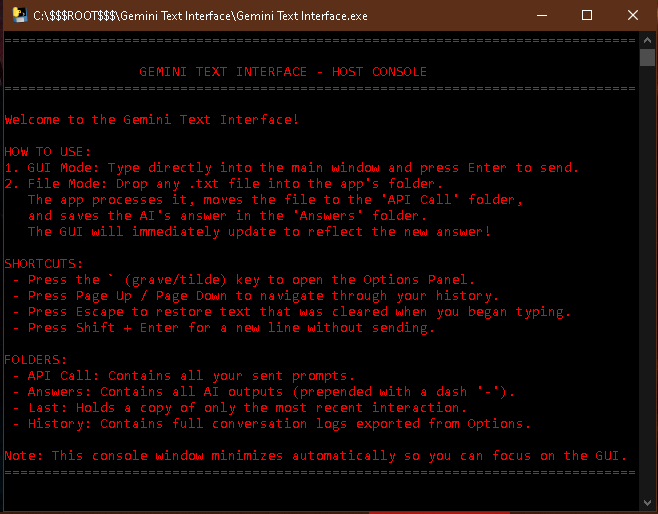
HOW TO USE:
1. GUI Mode: Type directly into the main window and press Enter to send.
2. File Mode: Drop any .txt file into the app's folder.
The app processes it, moves the file to the 'API Call' folder,
and saves the AI's answer in the 'Answers' folder.
The GUI will immediately update to reflect the new answer!
SHORTCUTS:
- Press the ` (grave/tilde) key to open the Options Panel.
- Press Page Up / Page Down to navigate through your history.
- Press Escape to restore text that was cleared when you began typing.
- Press Shift + Enter for a new line without sending.
FOLDERS:
- API Call: Contains all your sent prompts.
- Answers: Contains all AI outputs (prepended with a dash '-').
- Last: Holds a copy of only the most recent interaction.
- History: Contains full conversation logs exported from Options.